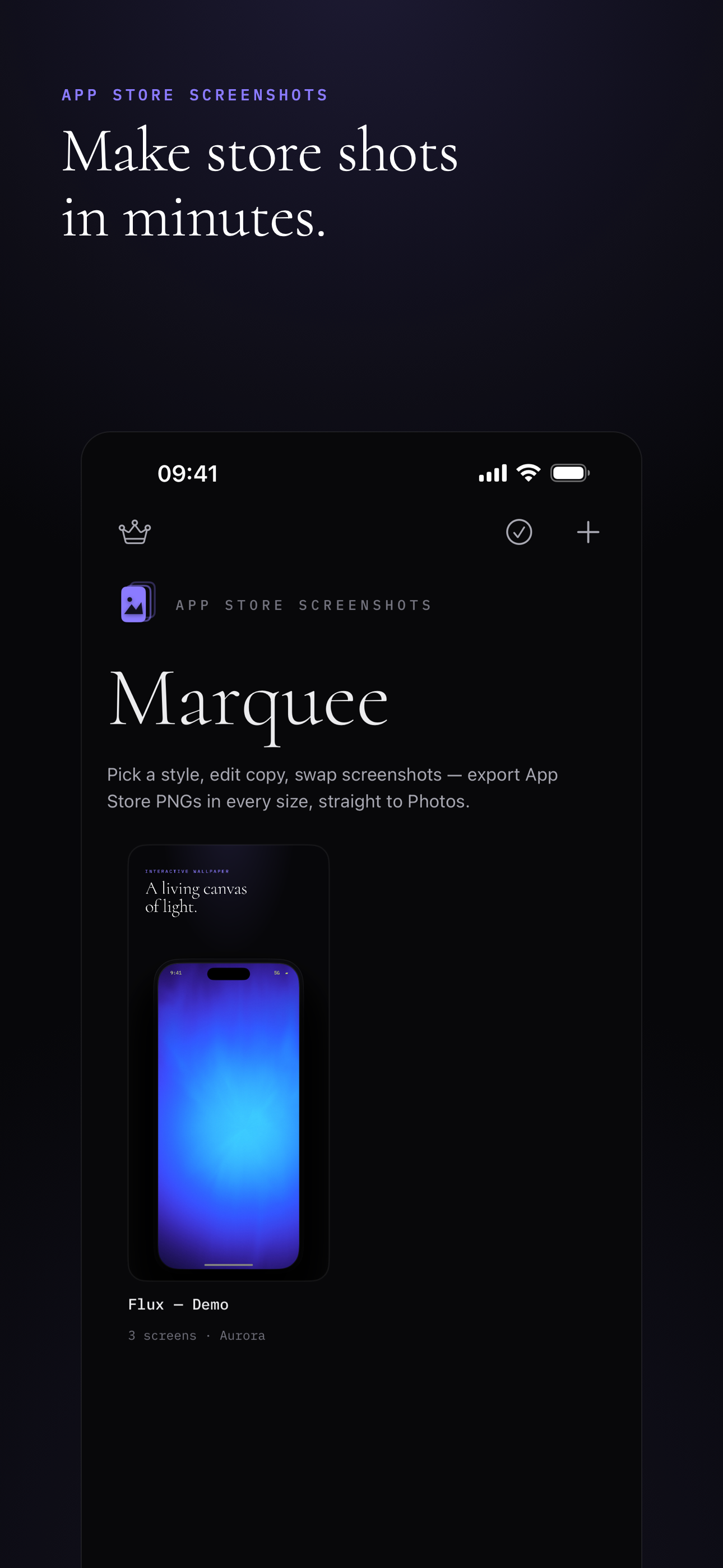
Marquee turns your app screenshots into polished App Store gallery images. Pick a style, drop in your screenshots, edit the copy — then export every iPhone size, straight to Photos.
Coming to the App Store · iPhone · iOS 17+
No design files, no manual compositing. Marquee does the framing so you can ship.
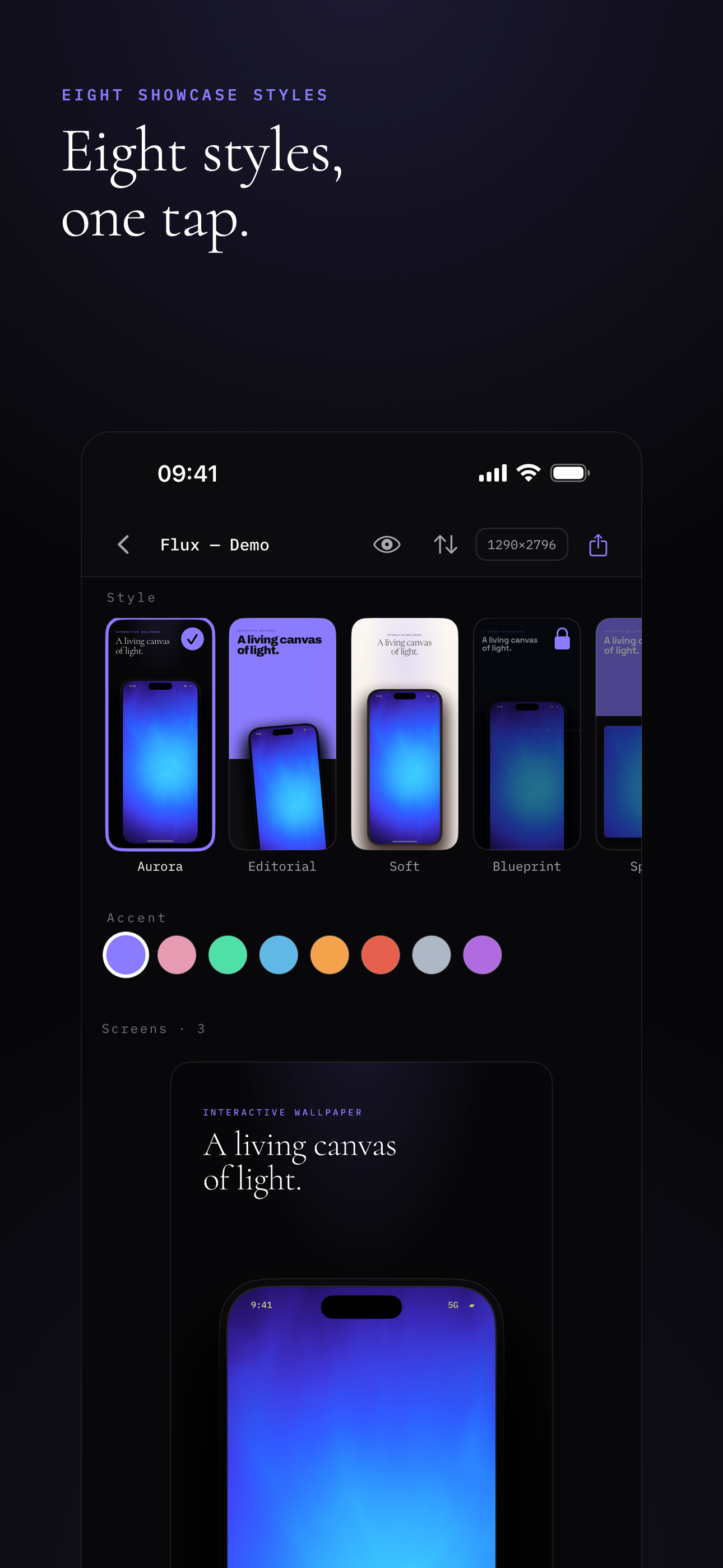
Eight hand-crafted showcase styles, each with its own type, color, and device treatment. Switch with one tap and every screen restyles instantly.
Set the kicker and headline, pick an accent color, and drop in your screenshot from Photos. One accent drives the whole set.
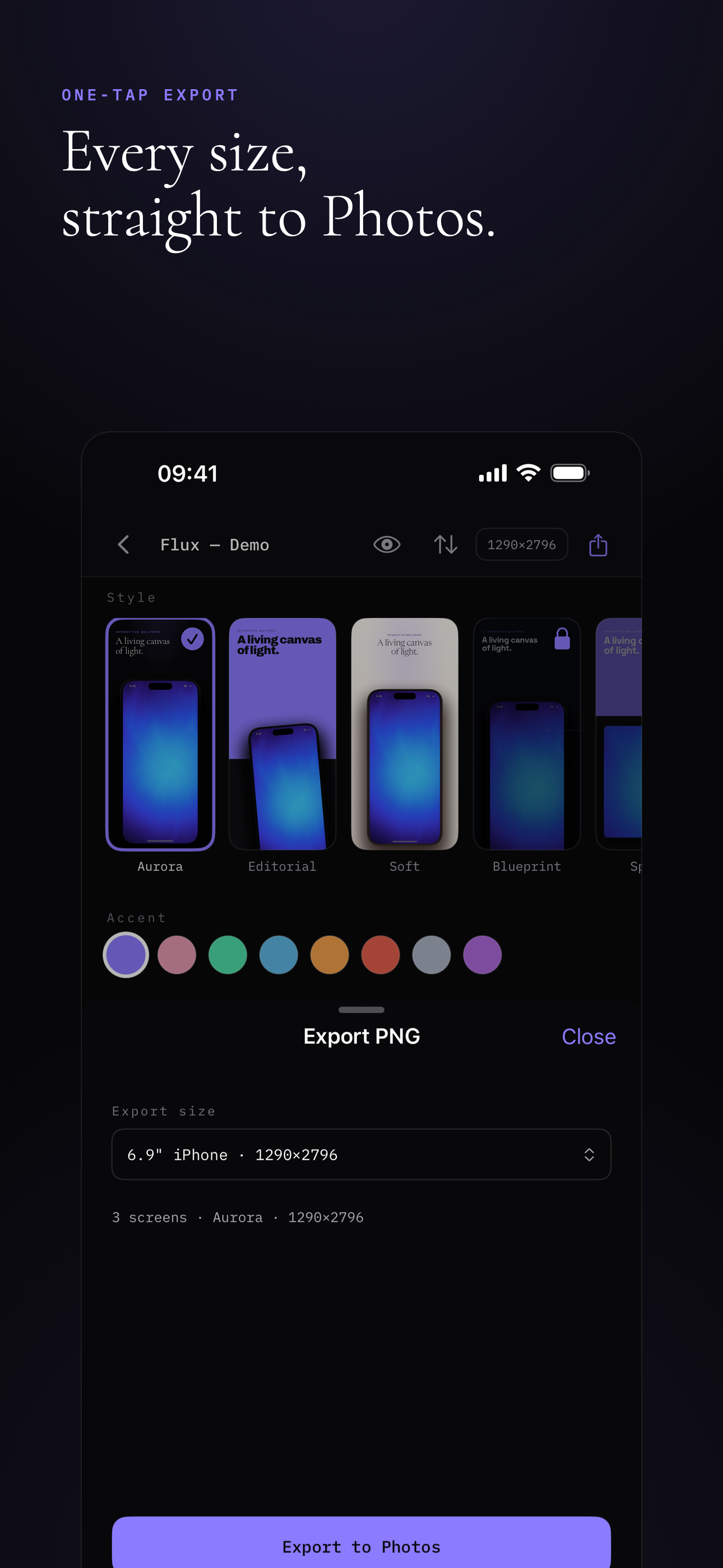
One tap saves lossless PNGs at every App Store size — directly to your photo library. No screenshotting, no resizing.
One set of content, eight distinct visual systems. Find the one that fits your app.
Export at 6.9″ (1290×2796), 6.5″ (1242×2688) and 6.9″ XL (1320×2868) — the sizes App Store Connect asks for.
Crisp, full-resolution PNGs saved straight to your photo library. No re-encoding, no watermark.
Export a whole project — every screen, your chosen size — in a single tap.
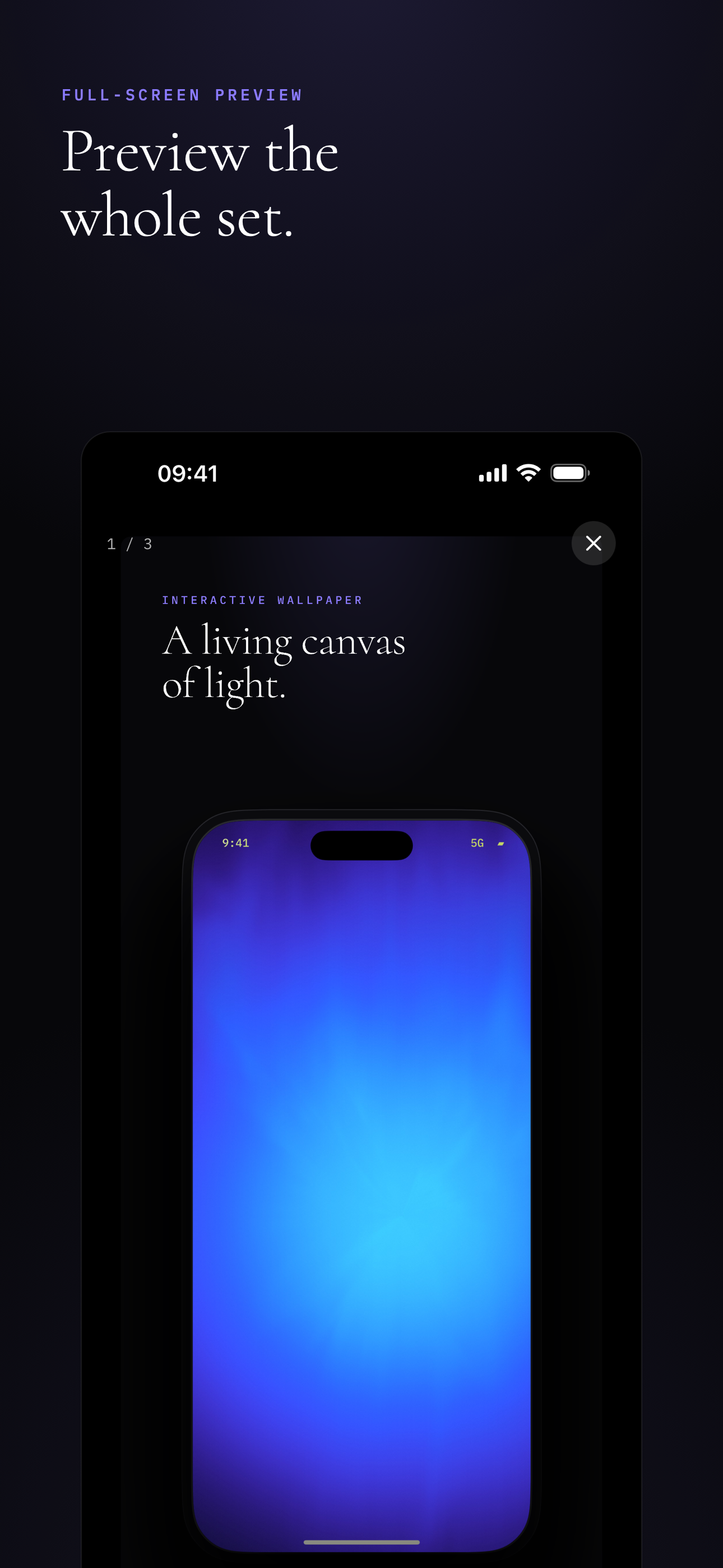
Swipe through the entire set at device scale before you ship a single pixel.
English, 简体中文, 繁體中文, and 日本語 — the app follows your system language.
No account, no tracking, no uploads. Your projects and screenshots never leave your device.
Library, editor, full-screen preview, export — built to be fast and quiet.